A frontier-grade AI agent you’re actually allowed to use.
Today, the best way to work your GTM data is to point a cutting-edge AI tool straight at it. When security gets nervous about Claude Code, or you don’t have budget for everyone to get licenses yet, Upside’s agent gives you that same agentic analysis, hosted securely within the Upside platform.
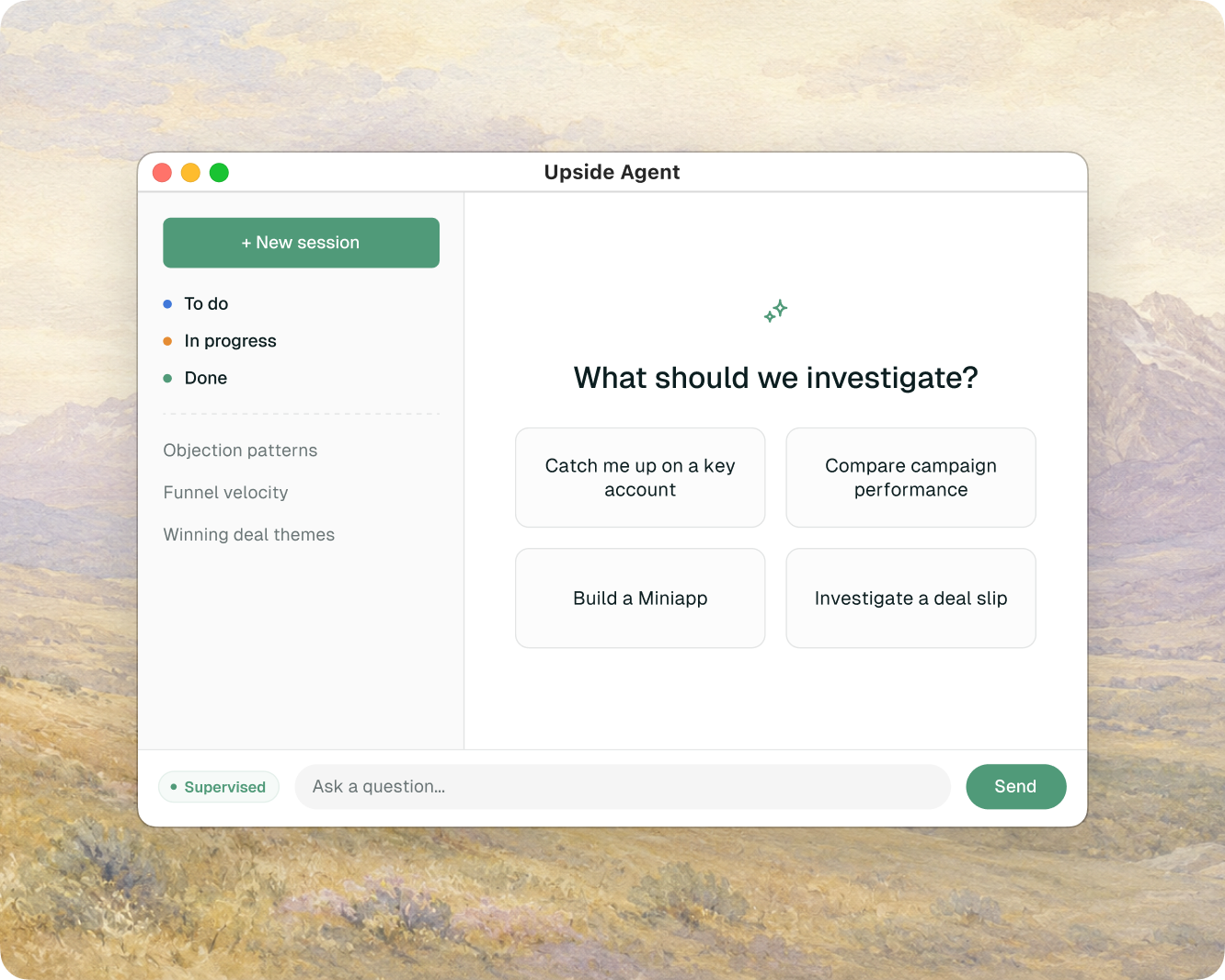
Clear the last two blockers to AI on your data.
Pointing a capable agent at your GTM data is the unlock everyone wants. Two things get in the way, and you’re probably hitting one or both.
Not enough seats. Tools like Claude Code and Cursor are expensive, and adoption is uneven. Getting one into every GTM person’s hands can be slow, and licensing the whole org is a budget conversation, not a quick win.
No way in. Even when people have those tools, they often can’t point them at production GTM data. Security may not approve a standing connection from an outside AI tool to your CRM, so the data and the AI don’t actually meet.
The bridge to AI-native GTM.
Upside’s agent is the one we host for you, running inside the platform on your reconstructed data foundation. Nothing connects to your data from the outside, which is exactly what lets a security team sign off. And this is no walled garden: when you’re ready, leverage all the same Upside tools and data through agents like Claude or Cursor over MCP.
 Run the hosted agentStart here
anytime
Start today, not next quarter. No additional tool to procure, no connection for security to review, no pipeline to stand up. The agent is already in the dashboard your team uses.
Graduate when you’re ready. Many users move on to a dedicated harness like Claude Code or Cursor over MCP. That’s the point: the data foundation and tools come with you.
Run the agent at the level of trust you choose.
Supervised mode, the default, surfaces every action for approval before it runs. Plan mode has the agent propose its whole approach first. Autonomous runs validated work without prompts. One toggle, changeable any time.
mcp__upside__execute_sql · SELECT channel, COUNT(*) … WHERE created > '6 weeks ago'Ask a question. Get an investigation.
The questions that matter, why pipeline slipped last quarter, what your lost deals had in common, aren’t a single lookup. The agent works them the way an analyst would, pulling from your structured data and from what was actually said in calls and emails, taking as many steps as the question needs, and coming back with a conclusion and the evidence behind it.
Structured and unstructured, together. The agent queries your warehouse and searches your communications in the same investigation, because what really happened in a deal lives in transcripts as often as in CRM fields.
Parallel when the work is big. Complex questions get decomposed into focused sub-analyses that run at the same time, each in its own isolated context, then synthesized into one answer. A quarterly analysis that took an analyst days runs as a single session.
A question, not a guess. When a request is ambiguous, the agent asks a focused clarifying question instead of guessing, so the QBR one-pager comes back built for the audience you actually meant.
Close the tab. The agent keeps working.
GTM investigations are long-running and high-value, and they rarely finish in one sitting. Upside’s agent runs in the cloud, not in your browser, so an analysis you kick off keeps going after you close your laptop, and the conversation is waiting where you left it when you come back.
A closed tab, a dropped connection, or a server restart does not lose your work. The agent runs as a persistent cloud session, not a page that dies with the window.
Reconnect days or weeks later and the conversation picks up with full context, scoped to you and your organization. No re-explaining the data, no repeating prior instructions.
A full investigative toolkit.
The agent runs the same kind of harness your engineers get from Claude Code or Cursor: planning its approach, asking when a request is ambiguous, calling real tools, and splitting hard work across sub-agents.
Proposes a structured plan, the goal, the steps, the tools it will use, and what it won’t touch, then waits for your approval before running.
When a request is ambiguous, the agent asks a focused multiple-choice or free-text question instead of guessing.
Splits a big question into focused sub-analyses that run at once, each in its own isolated context, then synthesizes a single answer.
Queries your warehouse, searches calls and emails, writes memos, and builds miniapps, calling the same tools an external client reaches over MCP.
Every tool call can require an explicit approve or deny in Supervised mode, or run hands-off once a workflow is trusted.
Runs in the cloud, so the agent keeps working after you close the tab, picking the conversation back up later with full context.
Architecture that won’t make security reviewers nervous.
Everything the agent does happens inside Upside’s environment. There is no third-party AI tool holding a standing credential to your production systems, and no employee copying data into a chat window to get an answer. The properties a reviewer cares about are designed in, not toggled on.
Your tenant, in Upside’s AWSNothing to turn on. Tenant isolation, identity-scoped access, and data residency are invariants of the platform, not security features a customer has to configure correctly.
An authorization record, not a log. In Supervised mode every action the agent takes is something a person explicitly approved.
Runs on the platform. Open to the rest of it.
The hosted agent has the same capabilities that other AI tools get over MCP, reasoning over the same reconstructed foundation and calling the same tool surface, so whichever path you take, you are on one system.
The reconstructed, unified record the agent reasons over, so its answers trace back to a source.
The same tool surface, open to Claude, Cursor, and ChatGPT from outside.
Interactive apps the agent builds and deploys into the dashboard.

“I haven’t seen a single case where I followed the data trail and found something wrong. I’ve stopped checking.”
Questions? Answers.
The practical details, and where this fits alongside the systems your team already runs.
How is this different from connecting Claude or Cursor over MCP?
They’re the same capability, reached two ways. Over MCP you point your own AI client at Upside; the hosted agent is that same thing, run for you inside the platform. Use whichever fits: the hosted agent when you want zero setup or your security team won’t approve an outside connection, your own client when you’d rather work in a tool you already use. Same data, same tools underneath either way.
Does our data leave Upside to an AI provider?
The agent and its sub-agents run inside your Upside tenant in Upside’s environment. No external AI tool gets a standing credential to your systems, and no one has to copy data into a separate chat to get an answer. Tenant isolation, identity-scoped access, and data residency are designed in.
How do we keep the agent from doing something we didn’t intend?
You choose the mode. Supervised, the default, surfaces every tool call for approval before it runs. Plan mode makes the agent propose its full approach for your review before executing. Autonomous runs validated workflows without prompts. The mode is a single toggle, changeable any time, so you can tighten or loosen the leash per workflow.
Does this replace our dashboard?
No. The dashboard answers the common questions with pre-built explorers and reports; the agent handles the long tail, the ad-hoc investigations that need querying, cross-referencing, and an opinion. They run on the same data, side by side.
What can’t the agent do?
The agent is an analyst, not a general-purpose coding assistant or a workflow scheduler. It investigates GTM data and builds interactive miniapps inside Upside, but does not edit arbitrary files or run recurring automated jobs. For scheduled or event-driven automation, point a dedicated workflow platform at Upside’s tool surface.
Bring a question you’ve never been able to answer.
Watch the agent investigate a question off your own roadmap, live, inside the dashboard.